How to calculate ROAS so it reflects profit, not platform revenue

Updated: October 2026. Merged with my older ROAS guide, added the data-quality checks and the step-by-step workflow, and removed market-size figures that had no primary source.
ROAS is attributed revenue divided by ad spend, and the division is the easy part. The number is only useful when the revenue comes from your own systems, the margin is in the calculation, and you know which attribution model produced it.
This post covers the formula, where each input should come from, how to get from ROAS to profit, and the checks I would run before anyone moves budget on the back of it.
The formula is revenue divided by spend
The base calculation:
ROAS = Revenue attributed to the ads / Cost of the ads
For example, if a campaign costs $2,500 and drives $12,500 in attributed revenue, ROAS is 5, usually written as 5x or 500%. For every dollar spent, five came back as revenue.
Both sides of the division need a definition before they mean anything:
- Revenue is the value of the conversions attributed to the campaign inside a stated look-back window, under a stated attribution model. Change either and the numerator changes.
- Cost is, at minimum, the media spend. Decide up front whether it also includes platform fees, agency retainers and creative production. "Media-only ROAS" and "fully loaded ROAS" are both legitimate; mixing them in one report is not.
ROAS is a tactical metric. It tells a performance team whether a specific pot of ad money is pulling its weight. It does not tell a CFO whether marketing is profitable. That is ROI, covered further down.

Take cost from the ad platforms and revenue from your own systems
The rule I follow: trust the ad platforms for cost and your internal systems for revenue. Then reconcile the two.
Cost: the straightforward half
Each ad platform reports what you spent without ambiguity:
- Google Ads for Search, Display, YouTube and Performance Max.
- Meta Ads for Facebook and Instagram.
- LinkedIn Ads, TikTok Ads and any other channel you run.
Export raw spend, through the interface, the APIs or a connector, and normalize currency and time frame before you join it to anything.
Revenue: pick one source of truth
Ad platforms report conversions and revenue too, but each one counts with its own attribution model and window. Added together, they usually claim more revenue than the business took in. Revenue should come from the system that records the transaction:
- Web analytics. Google Analytics 4 attributes revenue across traffic sources with one model, which gives a more consistent cross-channel view than any single ad platform.
- E-commerce platform. For online stores, Shopify, BigCommerce or Magento hold the orders that actually happened, including refunds.
- CRM. With a long or B2B sales cycle, the CRM (Salesforce, HubSpot) is where a lead from an ad becomes a closed-won deal. Without it, ad spend cannot be tied to contract revenue.
Expect the sources to disagree
The revenue Google Ads reports will rarely match what GA4 attributes to Google Ads, and neither will match Shopify exactly. That is normal. The causes are known: pixel-based versus server-side collection, different attribution windows, and different definitions of a conversion.
Choose one system as the revenue baseline, usually the e-commerce platform or the CRM, and use it for every ROAS calculation. The goal is not to make the numbers match to the cent. It is to know why they differ and to agree, in writing, how big a gap you will tolerate before you investigate.
Calculate it at campaign level, then roll up by channel
Once the sources are agreed, the calculation follows the path from ad to visit to sale.
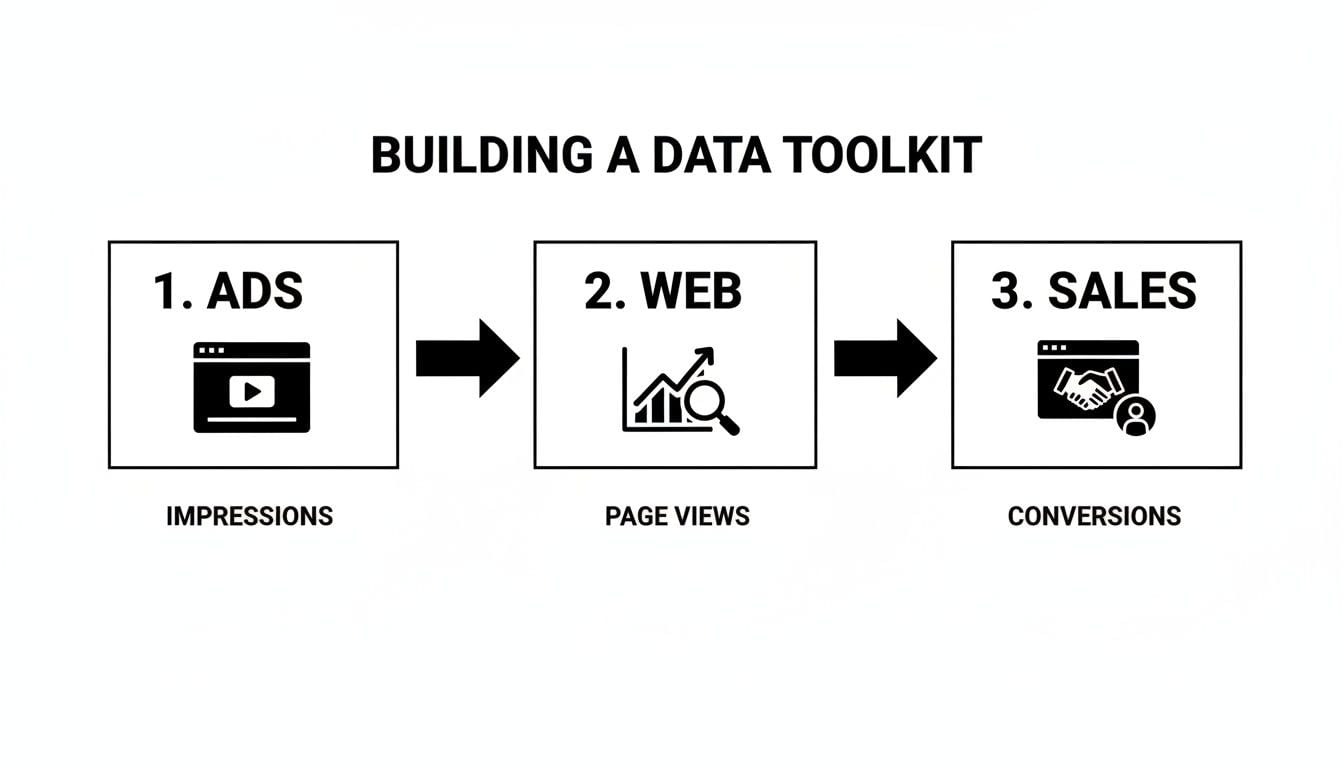
A step-by-step workflow
- Fix the attribution model and window. Write down which model and which look-back window you use. Changing them later changes every historical number.
- Collect cost data. Export spend by campaign from each platform, in one currency and one time zone.
- Check event integrity. Confirm the purchase or lead event fires once per transaction, with the right order ID, value and currency. Duplicates inflate ROAS; missing events deflate it.
- Join revenue and cost. In a spreadsheet or in your BI layer (BigQuery, Snowflake), match by campaign ID or by UTM parameters. UTMs only work as a join key if they are consistent; a URL builder helps enforce that.
- Compute ROAS and break it down by channel, campaign, audience and creative.
- Set thresholds and alerts so a sudden drop or spike reaches someone before the next budget meeting.
Campaign level in a spreadsheet
For example, take a "Summer Sale" campaign on Google Ads. Spend from Google Ads: $2,500. Revenue that GA4 attributes to the campaign, filtered by its UTM: $12,500. In a sheet with the columns Campaign, Ad spend, Revenue and ROAS, the formula is Revenue / Ad spend, and the result is 5x.
It is manual and it does not scale. It is also the best way to understand exactly what goes into the number.
Channel level for budget decisions
Channel ROAS is the sum of revenue over the sum of spend for every campaign on that channel. For example, if all Google Ads campaigns in a quarter cost $50,000 and GA4 attributes $225,000 to google / cpc, Google Ads ROAS is 4.5x. If Meta returned $150,000 on $40,000, its ROAS is 3.75x.
Those two numbers are comparable only if they come from the same revenue source and the same attribution model. A Google Ads figure from GA4 next to a Meta figure from Meta Ads Manager is not a comparison.
Choosing the tool for the job
| Method | Best for | Effort | What you get |
|---|---|---|---|
| Spreadsheet | One-off campaign analysis | Low | A transparent view of every input |
| Looker Studio | Recurring reporting to stakeholders | Medium | Dashboards connected to Google Ads and GA4, refreshed automatically |
| BigQuery | Custom attribution, offline revenue, large data | High | Your own model, joining ad cost with CRM revenue in SQL |
Most teams move along that table as they grow. The warehouse is where you can join Google Ads cost directly with offline CRM revenue and apply an attribution model that reflects your own customer journey rather than a platform default.
Revenue is not profit: adjust ROAS for margin
A 5x ROAS can still lose money. Revenue-based ROAS ignores the cost of what you sold.
Go back to the Summer Sale example and assume, for illustration, a 20% gross margin. The $12,500 in revenue produced $2,500 in gross profit. Subtract the $2,500 of ad spend and the campaign broke even.
A profit-based view of the same campaign:
Profit return on ad spend = (Gross profit from ads − Ad spend) / Ad spend
Here, ($2,500 − $2,500) / $2,500 = 0. The campaign that looked like a winner returned nothing.
Calculate your break-even ROAS first
Instead of chasing a generic benchmark, work out the ROAS at which ad-driven gross profit equals ad spend:
Break-even ROAS = 1 / gross margin
With a 20% margin, break-even ROAS is 5. With a 50% margin, it is 2. That single number explains why "a good ROAS" has no universal answer: a business with high margins can be profitable at a ROAS that would bankrupt a low-margin retailer. Your target is a comfortable distance above your own break-even, not someone else's average.
Lifetime value changes the picture again. A subscription business can accept a first-purchase ROAS below break-even if repeat revenue covers it. To do that with evidence rather than hope, you need to measure customer lifetime value and use a look-back that matches the sales cycle.
ROAS, ROMI and ROI answer different questions
Ad spend is only part of what marketing costs. Agency fees, creative production, the team's time and the martech stack are real costs, and leaving them out inflates the return.
- ROAS answers: for the money in these ads, how much revenue came back?
- ROMI (return on marketing investment) answers: after all marketing costs, what did marketing return? ROMI = (Revenue from marketing − Total marketing cost) / Total marketing cost.
- ROI answers the business question across the whole initiative, including costs outside marketing.
Total marketing cost for ROMI usually includes media spend, creative costs, technology subscriptions and a share of personnel costs. A related ratio some teams use is the marketing efficiency ratio (MER): total revenue divided by total marketing spend, with no attribution at all.
Use ROAS to optimize campaigns week to week. Use ROMI and ROI to judge whether the marketing function pays for itself; I cover that side in how to improve marketing ROI.
The attribution model decides which channel looks good
The same journey produces different ROAS by channel depending on how credit is assigned. Take a customer who:
- sees a Facebook ad,
- reads a blog post from organic search,
- clicks a Google retargeting ad and buys.
Under last-click, all the credit goes to the Google retargeting ad: Google Ads ROAS looks excellent and the Facebook campaign looks like a failure. Under first-click, the reverse. Data-driven models distribute fractional credit across touchpoints based on observed conversion paths, which is usually more balanced, but you are trusting a model you cannot fully inspect.
The model you choose decides where budget goes. Relying on last-click tends to defund the top-of-funnel activity that introduced the customer in the first place. For the trade-offs between models, see what marketing attribution is.
View-through conversions: calculate ROAS both ways
A view-through conversion is someone who saw an ad, did not click, and converted later through another channel. Google and Meta report them, and including them raises ROAS, especially for YouTube and display. The causal link is weaker than a click.
A practical approach:
- Calculate ROAS with click-based conversions only, and again including view-throughs.
- Use the click-based number to optimize direct-response campaigns. Use the blended number to discuss what upper-funnel campaigns influence.
- Say which one you are showing every time you present it.
Neither number proves incrementality. If the budget decision is large, a holdout or geo test is the evidence that settles it.
Audit the data before you trust the ratio

A broken tag or a misaligned window does not just produce a messy report. It moves budget into losing campaigns or away from winning ones. Most ROAS errors come from a few known causes:
| Symptom | Effect on ROAS | Typical cause |
|---|---|---|
| Revenue under-reported | ROAS too low | Broken purchase event, currency mismatch, ad blockers suppressing the pixel |
| Spend mis-attributed | ROAS wrong by channel | Inconsistent UTM parameters, offline spend left out |
| Conversions double-counted | ROAS too high | Purchase event firing twice, test or sandbox traffic |
| Refunds ignored | ROAS too high | Revenue taken from analytics, not reconciled with the order system |
| Window shorter than the sales cycle | ROAS too low for long journeys | Default look-back left unchanged |
Check the sources
- Time zones. Ad platforms, analytics and CRM on the same time zone, or daily cost and revenue drift apart.
- Currency. All costs and revenue in one currency, or converted at a documented rate.
- Revenue source. One system of record for revenue, used every time.
- Refunds. Reconcile revenue with the order management system on a schedule.
Check the tracking
- UTM hygiene.
source=googleandsource=Googleare two different sources in analytics. Enforce a lowercase naming convention; my notes on UTM parameter best practices cover the rules. - Unexplained "(not set)" or direct conversions. A classic sign of missing UTMs on paid campaigns.
- Sudden spikes or drops. A campaign that jumps to an implausible ROAS overnight is almost always a tracking change, not a performance change.
- Tag firing. Use Google Tag Manager preview mode to confirm the purchase event fires once, with value and order ID, especially after a site release. A data observability tool can watch this continuously instead of relying on someone remembering to check.
- Ad blockers and browser restrictions. If client-side purchase events are being lost, server-side tracking is the usual fix.
Check the logic
In a spreadsheet, click into the cells: is it Revenue / Spend and not the reverse, and do the SUM ranges include the campaigns launched last week? In a warehouse model, check that the attribution logic does what you think, for example that last-click is not quietly crediting direct traffic.
How often to recalculate
Monitor ROAS daily for active campaigns and recalculate after any major change: a creative swap, a budget shift, a tracking release. Review it weekly for strategy, and look at it by geography, device and audience to see where there is room to scale. When you test creatives or landing pages, judge them on incremental lift, not on ROAS alone.
What to check this week
- Write down your break-even ROAS for your main product lines, using gross margin, and put it next to the ROAS in your dashboard.
- Confirm one source of truth for revenue and that every channel's ROAS is calculated from it, with the same attribution model.
- Test the purchase event after your last release: it fires once, with the right value, currency and order ID.