Digital customer journey mapping that changes decisions

Updated: October 2026. Merged six posts on customer journey mapping and analytics into this guide, and removed statistics that had no primary source.
A customer journey map is only worth building if it is fed by real data and ends in a decision: which friction point gets fixed first, by whom, and how you will know it worked. Most maps fail the other way, as a well-designed poster that nobody uses after the workshop.
This guide covers what a map contains, which type answers which question, how to build it from your analytics and qualitative research, which metrics belong to each stage, and why maps stall.
What a journey map shows, and what it is for
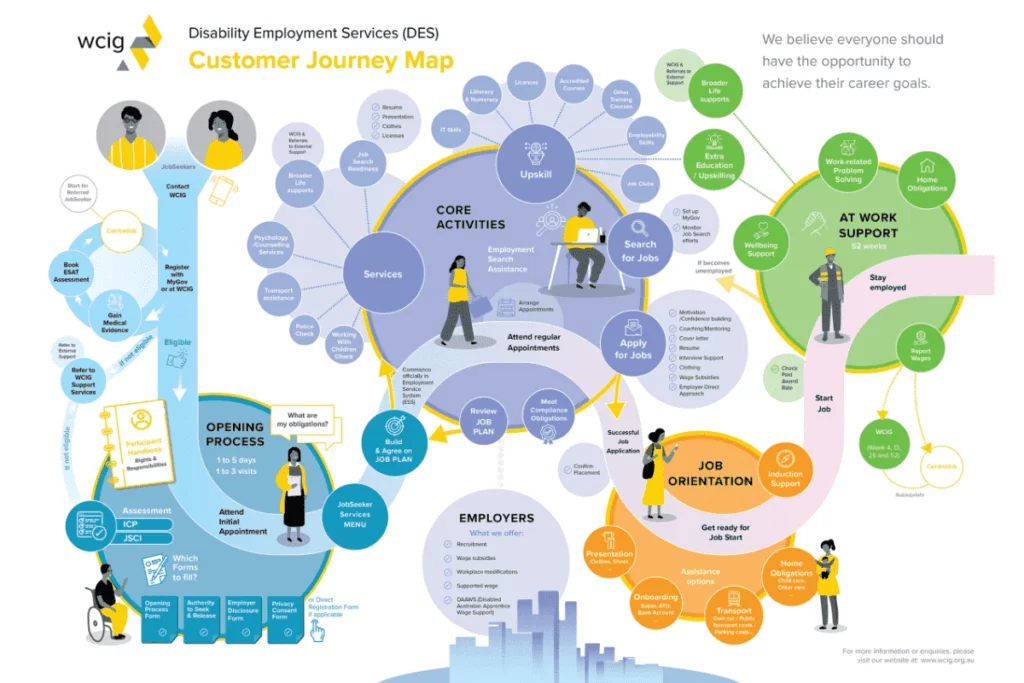
A digital customer journey map is a visual representation of the steps a customer takes with your brand across channels, from first contact to purchase and beyond. It records what the customer does, where, what they are trying to achieve, and where they get stuck.
A useful map has these elements for each stage:
- Customer goal: what the person is trying to get done at that point.
- Touchpoints and channels: ad, search result, product page, email, app, support chat, store.
- Actions: what they actually do, taken from behavioral data, not from assumptions.
- Pain points: where friction stops them or slows them down.
- Emotions: how the step feels, gathered from interviews, surveys and support tickets.
- Moments of truth: the points where the customer decides to continue or leave.
- Owner and metric: the team accountable for the stage and the number that shows how it performs.
The last element is the one most templates leave out, and the one that turns a map into a working tool. When sales, marketing, product and support work from the same map, the discussion moves from whose fault the lost lead was to where the customer got stuck.
Choose the map type by the question you need answered
Different questions need different maps. Pick the type before you start drawing.
| Map type | What it shows | Use it to |
|---|---|---|
| Current state | How customers interact with you today | Diagnose friction and find quick wins |
| Future state | The experience you want after changes | Align the roadmap and the investment case |
| Day in the life | The context around your touchpoints | Find outside factors: approvals, competing tasks, other vendors |
| Segment-specific | Separate journeys for distinct personas | Stop one average journey from hiding the differences |
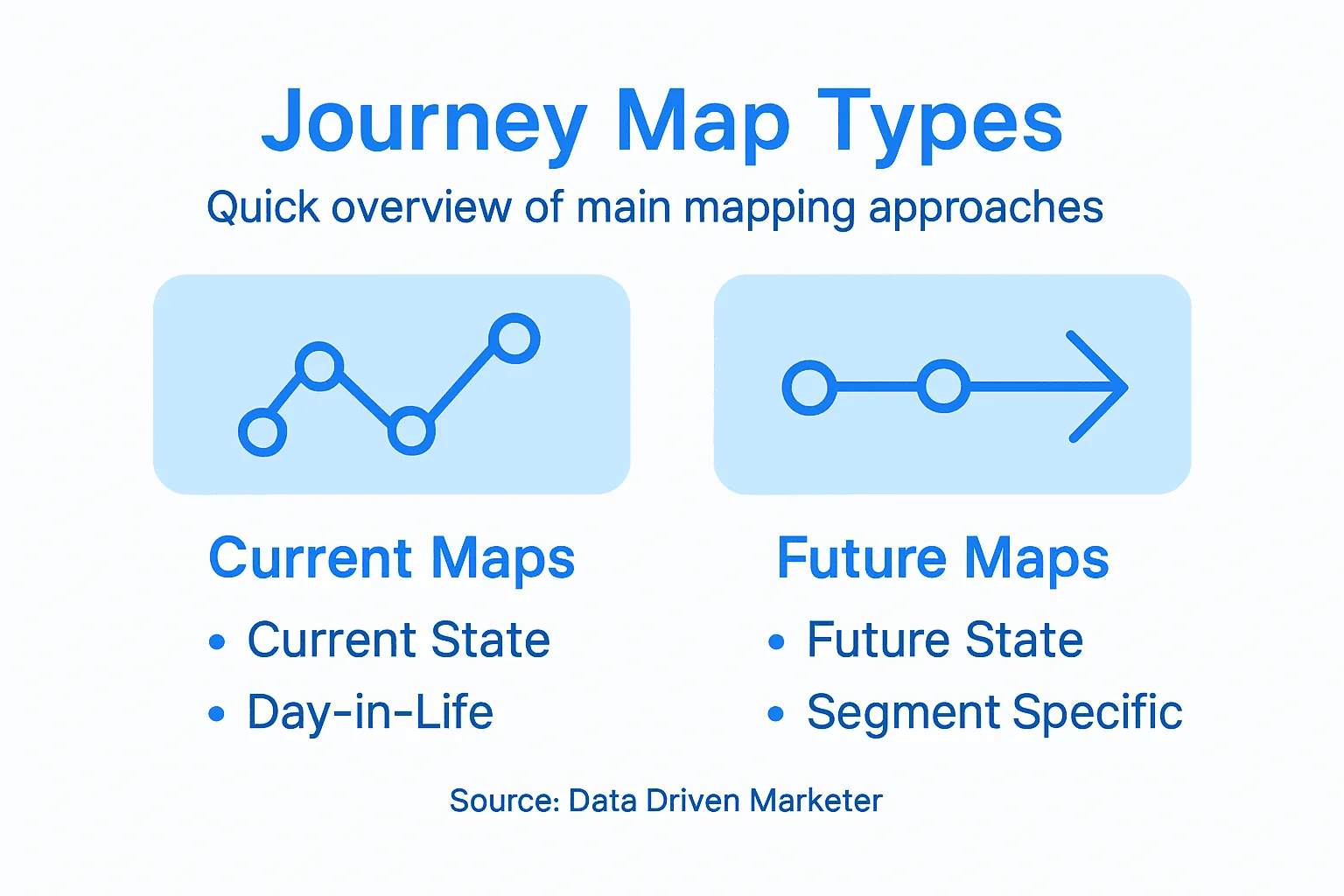
Start with a current-state map for one high-value segment. A future-state map drawn before you understand the present is a wish list. A single map for "all customers" averages away the differences between a self-service buyer and an enterprise account. For the specific case of long, multi-stakeholder sales, see my post on B2B customer journey mapping.
Define the stages and include the paths that go wrong
Most journeys, B2B or B2C, fit a version of these stages:
- Awareness: the customer recognizes a need or discovers the brand.
- Consideration: they research and compare options.
- Decision: they choose and buy.
- Onboarding: they get first value from the product.
- Adoption: the product becomes part of their routine.
- Advocacy: they renew, buy more or recommend you.
Real journeys are not linear. Someone can discover a product on social media, research it on the website and buy in the app, then come back to support twice before the first use. The map has to show the loops, not just the line.
Map the negative journeys too. Abandoned carts, failed payments, error pages, support escalations and cancellations are journeys as well. If you only map the happy path, you optimize for the customers who were going to succeed anyway and miss why the others left.
Build the map from data, then check it with customers
1. Start with one question and one segment
"Why do trial users from paid search convert less than those from organic?" is a mapping project. "Understand our customers" is not. The question decides which segment, which stages and which data you need.
2. Pull the behavioral data
The behavioral layer of the map comes from systems you already have:
- Web and app analytics: sessions, paths, events, key events.
- Product analytics: feature adoption and in-app flows.
- CRM: lead and deal progression, sales interactions.
- Email and marketing automation: engagement by message and sequence.
- Ad platforms and attribution: which touchpoints preceded conversions.
- Support and call center: reasons for contact, complaints, objections.
The hard part is joining them. When someone browses anonymously, clicks an email and later buys in the app, identity resolution is what links those actions to one person. Without it, you analyze fragments of journeys instead of customers.
3. Add the qualitative layer
Numbers show what happens and how often; they don't show why. Customer interviews, short surveys at key steps, session recordings, usability tests and support tickets fill in goals, emotions and the reasons behind drop-offs. Combining both is what makes the map accurate.
4. Draw the current state
Lay out stages, touchpoints, actions, pain points and emotions for the chosen segment. Mark where the data and the interviews disagree; those are usually the most interesting points.
5. Pick one friction point and give it an owner
Choose the stage with the largest drop-off or the highest revenue at stake, assign an owner and a budget, and define the metric that will show the change worked.
6. Measure and update
Compare the metric before and after, ideally against a control group. Then update the map. A map that is not revised as behavior changes goes stale within months.
The analysis methods behind a journey map
Five methods do most of the work. Each one answers a different question:
| Method | Question it answers |
|---|---|
| Path analysis | Which routes do customers actually take, including ones you didn't design? |
| Funnel analysis | At which predefined step do we lose people, and how many? |
| Cohort analysis | Did a change improve retention for customers who came after it? |
| Segmentation | Which groups behave differently and deserve their own map? |
| Attribution | Which touchpoints get credit for conversions? |
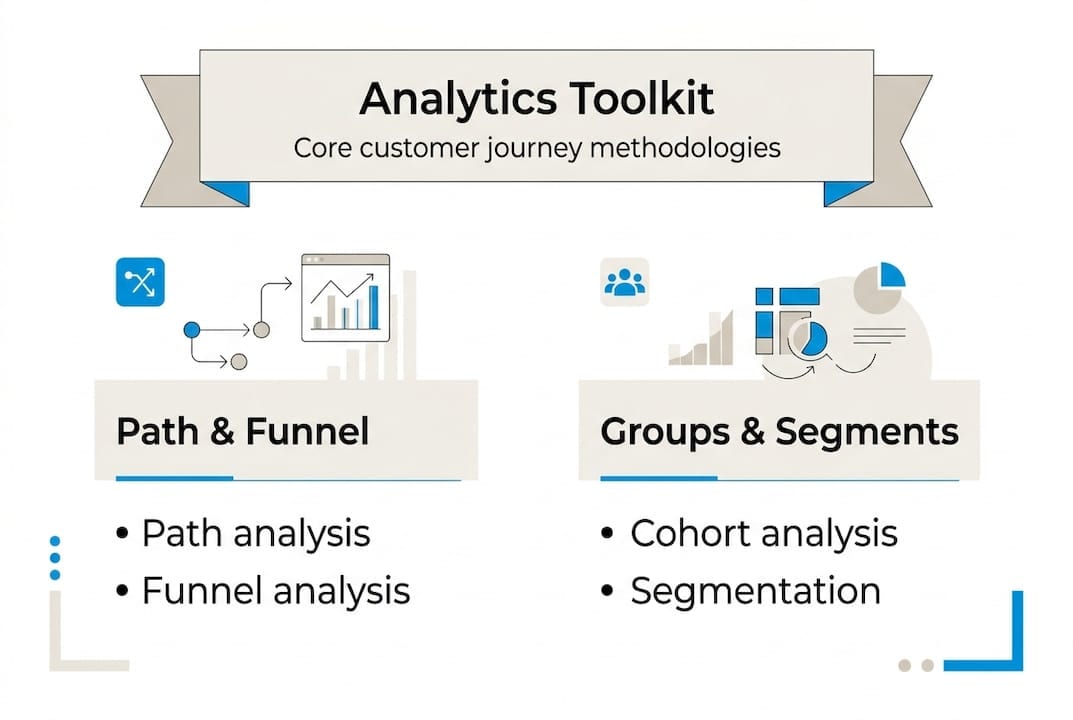
Use path analysis to discover, funnel analysis to quantify, cohorts to validate and segmentation to decide where to personalize.
Treat attribution with care. Every attribution model, from first-touch to data-driven, describes correlation. It over-credits channels that are easy to track, ignores offline and dark social, and gives credit to touchpoints that would have converted anyway. Complement it with incrementality tests such as geo experiments or holdout groups. My guide to marketing attribution covers the models and their limits.
Metrics for each stage
Choose a few metrics per stage, tied to an outcome, and give each one an owner.
| Metric | What it tells you | Stages |
|---|---|---|
| Conversion rate between steps | How fast customers progress | Consideration, decision, onboarding |
| Drop-off rate | Where you lose them | Consideration, adoption |
| Time to conversion | Where friction or speed appears | Decision |
| Channel effectiveness | Which touchpoints drive outcomes | All |
| Customer satisfaction or effort score | How the step feels | Onboarding, adoption, advocacy |
| Acquisition cost by stage | Where the budget goes | Awareness to decision |
| Customer lifetime value by segment | Which journeys produce valuable customers | Adoption, advocacy |
Data quality and privacy set the limits of the map
A journey map built on broken tracking is confidently wrong. The common breaks are:
- tags missing on new pages or after a redesign;
- duplicated events from a faulty implementation;
- wrong parameter values copied from outdated documentation;
- bot traffic inflating sessions;
- cross-domain tracking that splits one visit into two;
- events blocked before consent and never recovered.
None of these announce themselves. The dashboard looks normal and shows the wrong journey. Check the tracking at the touchpoints you are about to analyze before you draw anything; my guide on marketing data quality covers how.
Privacy rules shape what you can collect. GDPR requires consent before tracking in Europe and CCPA gives Californians opt-out rights, so part of every journey will be missing. Server-side tracking, a first-party data strategy and a consent platform that passes consent status to every tool reduce the gap, but don't close it. Because you collect less, what you do collect has to be accurate.
Tools, grouped by the job they do
You don't need one tool that does everything. You need a tool for each job, connected:
- Drawing and collaboration: diagram tools and dedicated journey mapping software, for building and sharing the map.
- Behavioral analytics: Google Analytics 4, Mixpanel, Amplitude, for paths, funnels and cohorts.
- Qualitative behavior: Hotjar or Crazy Egg, for heatmaps, session recordings and on-page surveys.
- Data collection and identity: Segment, Snowplow, mParticle or Tealium, to collect events and unify profiles.
- CRM and support: Salesforce, HubSpot, Zendesk or Intercom, for sales and service touchpoints.
- Journey orchestration: Braze, Iterable, Adobe Journey Optimizer or Salesforce Marketing Cloud, to act on the stage a customer is in.
- Reporting: Looker Studio, Power BI or Tableau, to share stage metrics with each owner.
Connect the map to the stack
The map is the plan; the martech stack carries it out. For each stage, write down which system knows the customer is there and which action it triggers: the CRM records the stage, email segments by it, ad platforms target or exclude by it, analytics tracks the progression. The stages with no supporting system are the gaps worth funding.
AI features in analytics tools can surface unusual paths and predict churn or upsell at scale, but they depend on clean, unified data. They speed up the analysis; they don't replace the interviews that explain it.
Why journey maps stall
- No objective before starting. Without a question, the project optimizes the drawing.
- Only marketing in the room. Sales, product, support and analytics own stages too, and must shape the map.
- A one-time exercise. Behavior changes; the map has to be revised.
- Oversimplified emotions. A linear, frictionless story hides the moments that matter.
- No link to budget. If leadership doesn't fund changes based on the map, nothing changes.
There is also a design trap. Removing every bit of friction is not always the goal. Harvard Business Review argued in 2022 that making every interaction effortless can reduce engagement, and that some friction is part of a valued experience. Decide which friction to remove and which to keep.
What to check this week
- Pick one segment and one question for your first current-state map.
- Check the tracking at the three touchpoints with the most revenue at stake before you analyze them.
- Name an owner and a metric for the stage with the largest drop-off.